# Customize your Hack The Box Pwnbox
# Introduction
Pwnbox is a customized, **online** Parrot Security Linux distribution - you can launch it from Hack The Box site and play with it in a browser (similar to the [Kasm Workspaces streaming](https://blog.cyberethical.me/run-kasm-workspaces-on-raspberry-pi)). It has immediate access to the HTB Challenges network, without additional VPN configuration.
More details: [What is Pwnbox? How does it work?](https://help.hackthebox.com/en/articles/5185608-gs-introduction-to-pwnbox)
# Setup
> I **strongly** recommend forking the repository then modify scripts to your liking. [Disclaimer](https://github.com/KamilPacanek/Disclaimer-Warning/blob/main/README.md).
Collect and run `init-pwnbox.sh` script from [my GitHub](https://github.com/CyberEthicalMe/configs/tree/master/htb-pwnbox).
```sh
curl https://raw.githubusercontent.com/CyberEthicalMe/configs/master/htb-pwnbox/init-pwnbox.sh | sh
```
%%[support-cta]
# Explanation
Hack The Box is running `user_init` script each time Pwnbox is started. In the head of this file you can read.
```sh
#!/bin/bash
#This script is executed every time your instance is spawned.
```
So, I've put some effort creating the script that automates setting up the persistence on the Pwnbox by `wget`ting some resources and modifying the initial `user_init` script.
# Details: `init-pwnbox.sh`
1. Change current working directory to `$HOME/my_data`.
* Get preconfigured `user_init` file from the repository. Backups the original file.
* Get Powerline font for `tmux` theme (yes, I forced it a bit and I'm loving `tmux` now).
* Prepare `home` directory to preload in `user_init`. Things like `.*.conf` files.
* Create RSA keypair for persistence over SSH. It makes easier to come back to the server during the hacking challenges.
* Get terminal settings export script. This just saves the state of the default terminal (`mate-terminal`).
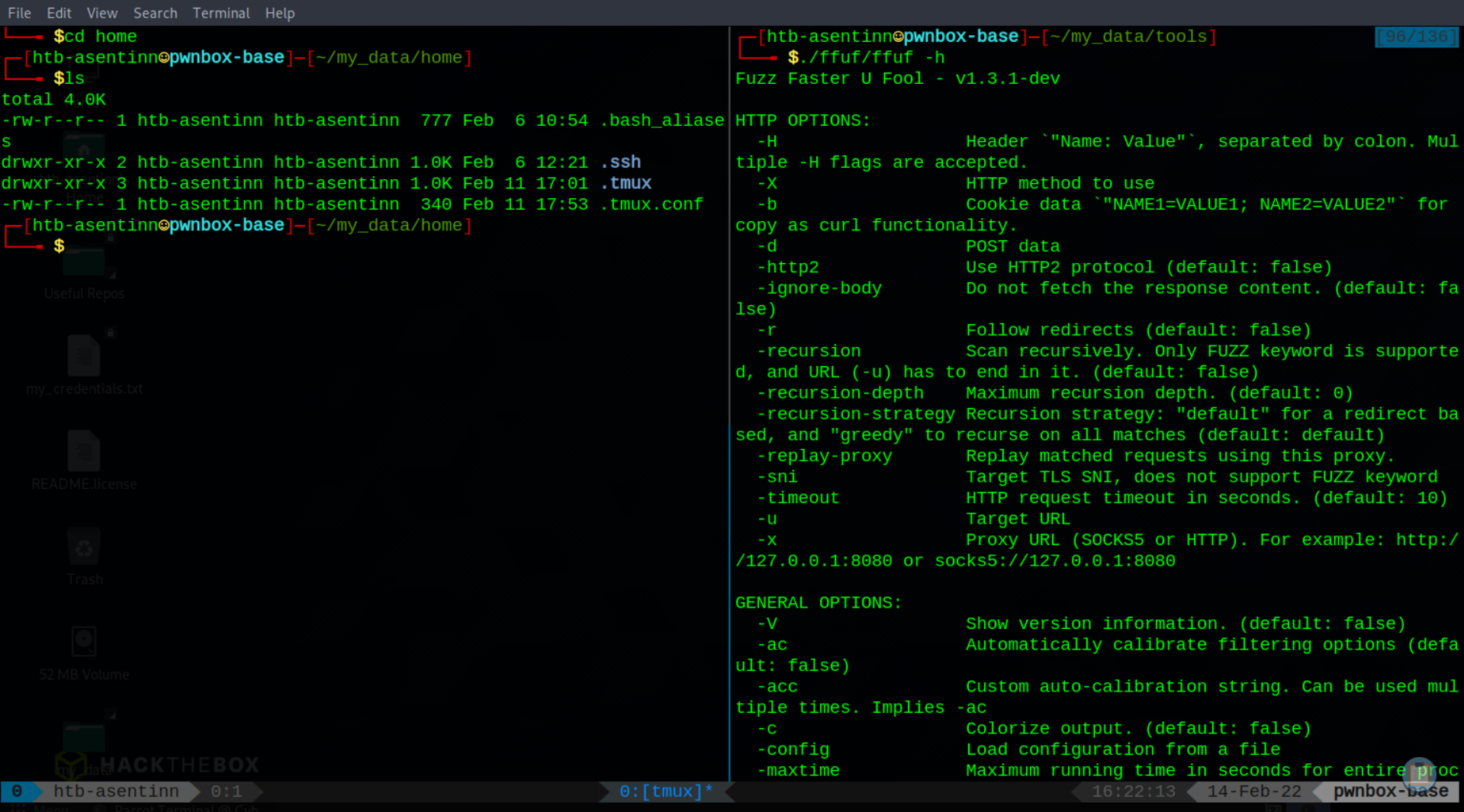
* Clones tools repositories. Right now, only `ffuf`, that is not available out-of-the box (pun intended).
* Returns to the previous working directory.
# Details: `user_init`
1. Copy files from `~/my_data/home` to `~`.
* Add Powerline font for `tmux`. Refresh font cache.
* Load `mate-terminal` profiles. May require manual switching profiles.
# Known Improvement Points
1. Manual refresh of `tmux` config (Ctrl+A, Shift+I) when `tmux` launched for the first time.
* Manual import of `mate-terminal` profiles. For some these are not imported on initial `user_init` - use the `import-mate-terminal.sh` to import these on the first launch of terminal.
%%[join-cta]
%%[follow-cta]